Assess
Compare discovered versions with the configured patch source.
 CraptasticApps Database Monitor
Product tour / Governed operations
CraptasticApps Database Monitor brings common estate actions into reviewed, target-aware workflows with visible results and persistent history.
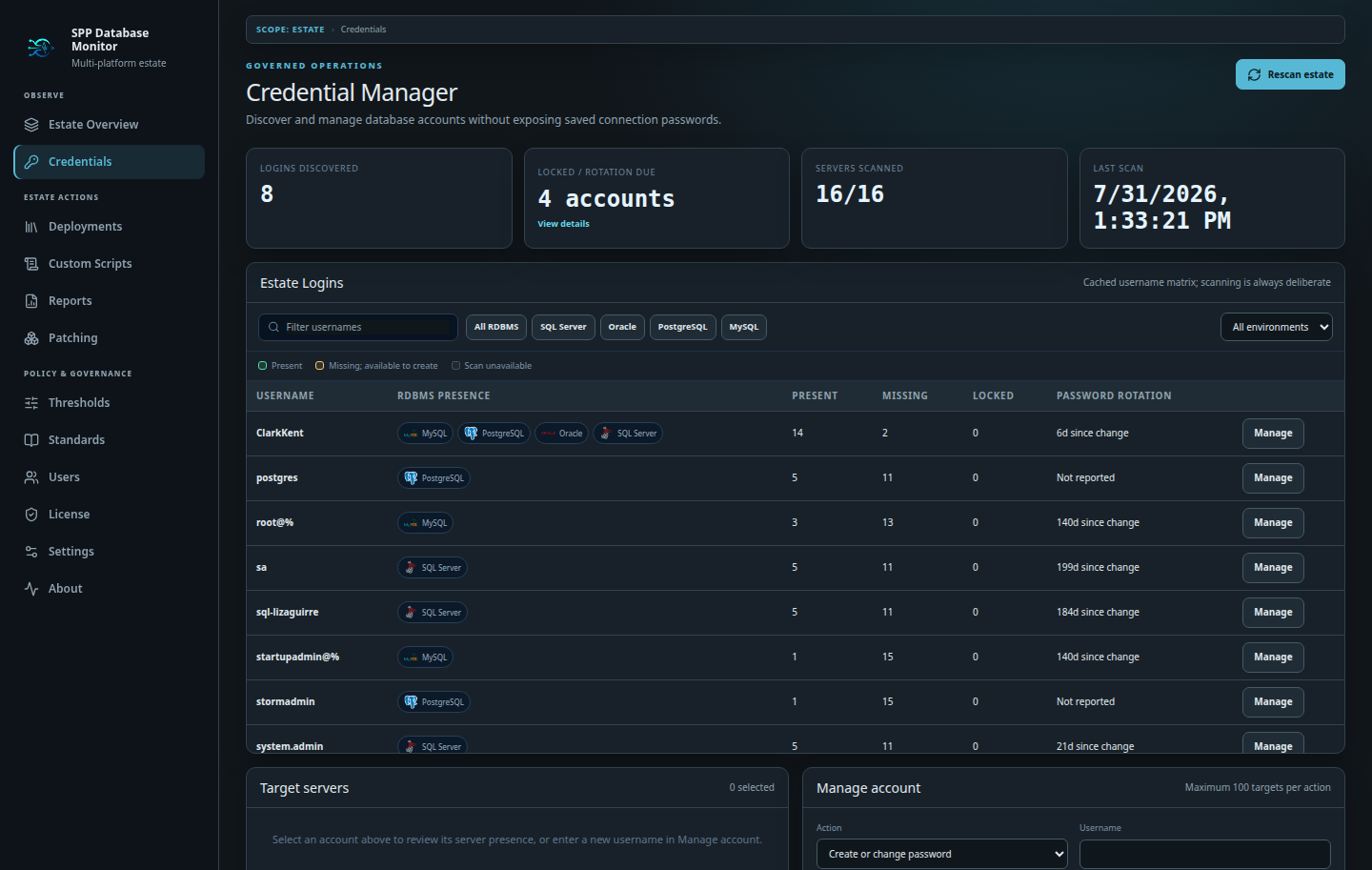
Discover manageable accounts, filter out provider-maintained identities, review presence and rotation posture, and apply approved changes to selected targets.
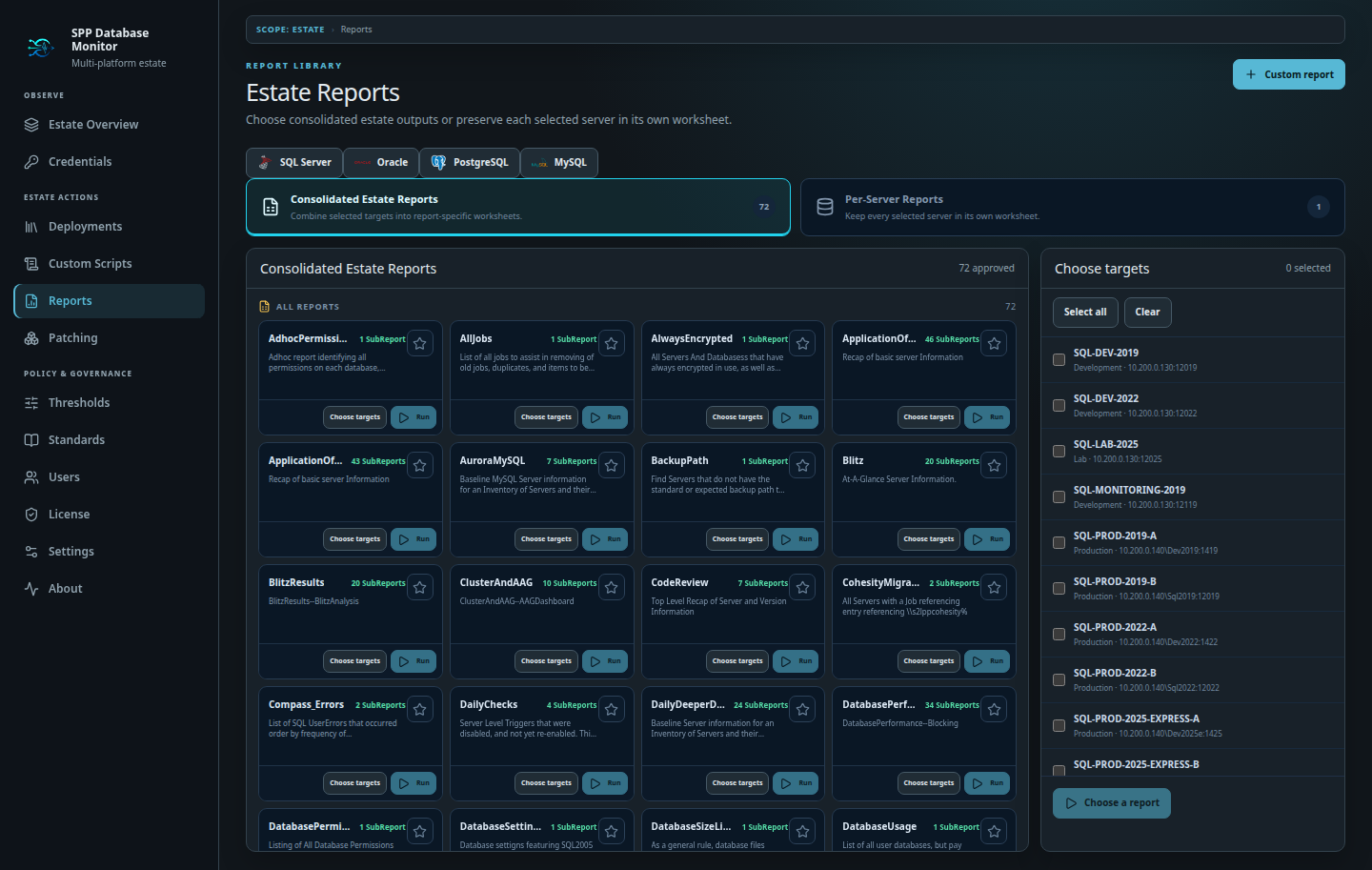
Run built-in report libraries or create private multi-sheet reports with provider-aware validation. Build query dashboards with independent panels, saved layouts, and JSON portability.
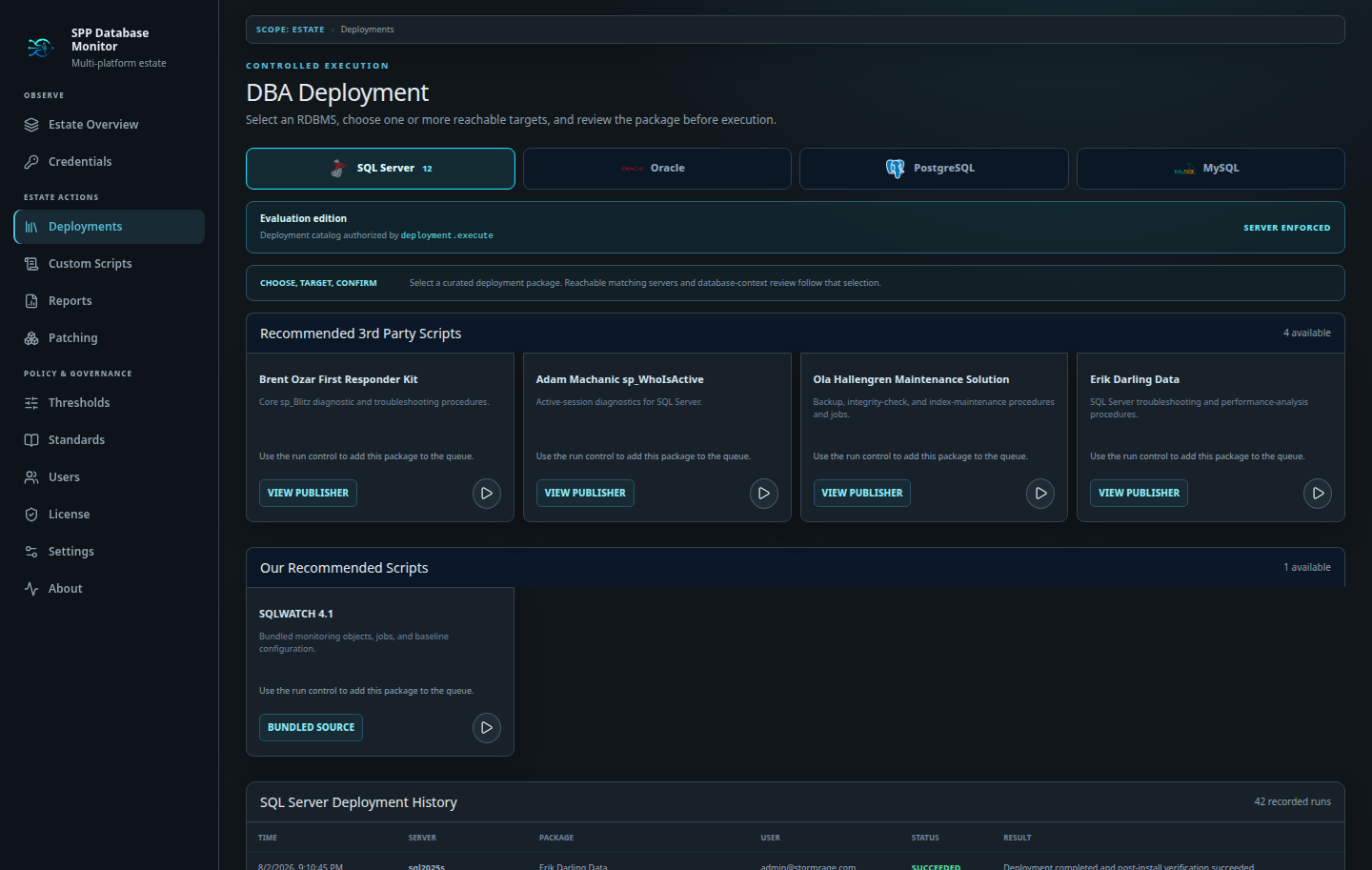
Select curated packages or encrypted private scripts, match compatible targets, review database context, approve the batch, and keep per-target outcomes.
Configure sources, assess platform-aware eligibility, organize cohorts, run non-invasive preflight checks, and preserve the history of every decision.
Compare discovered versions with the configured patch source.
Build a controlled cohort of eligible SQL Server targets.
Block on read-only safety findings before any change begins.
Retain eligibility, checks, approvals, and results.
One Professional license unlocks the implemented capabilities for perpetual use on entitled 2.0.x releases.