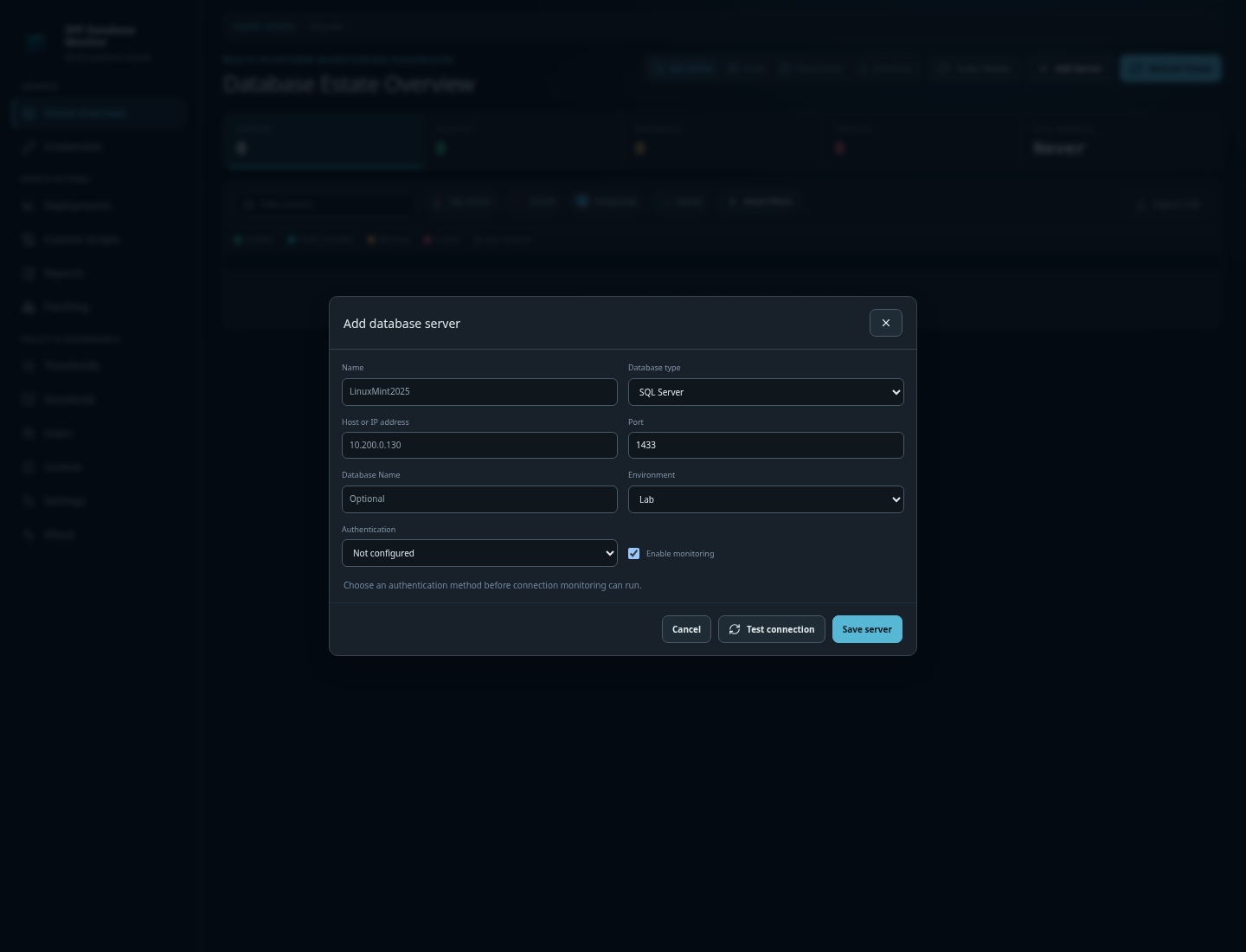
Add servers manually
Enter the engine, host, port, database, environment, and connection details for individual SQL Server, PostgreSQL, MySQL, or Oracle targets.
 CraptasticApps Database Monitor
Deployment / Operations / Privacy
Run CraptasticApps Database Monitor beside the databases you manage, keep credentials and operational data inside your environment, and give your team one governed workspace for inventory, monitoring, scripts, packages, patching, and deployment history.
Add a few database servers manually and begin monitoring immediately, or populate the estate in bulk from the systems and spreadsheets your team already maintains. You can mix methods at any time, and existing endpoints are skipped during import instead of being duplicated.
Enter the engine, host, port, database, environment, and connection details for individual SQL Server, PostgreSQL, MySQL, or Oracle targets.
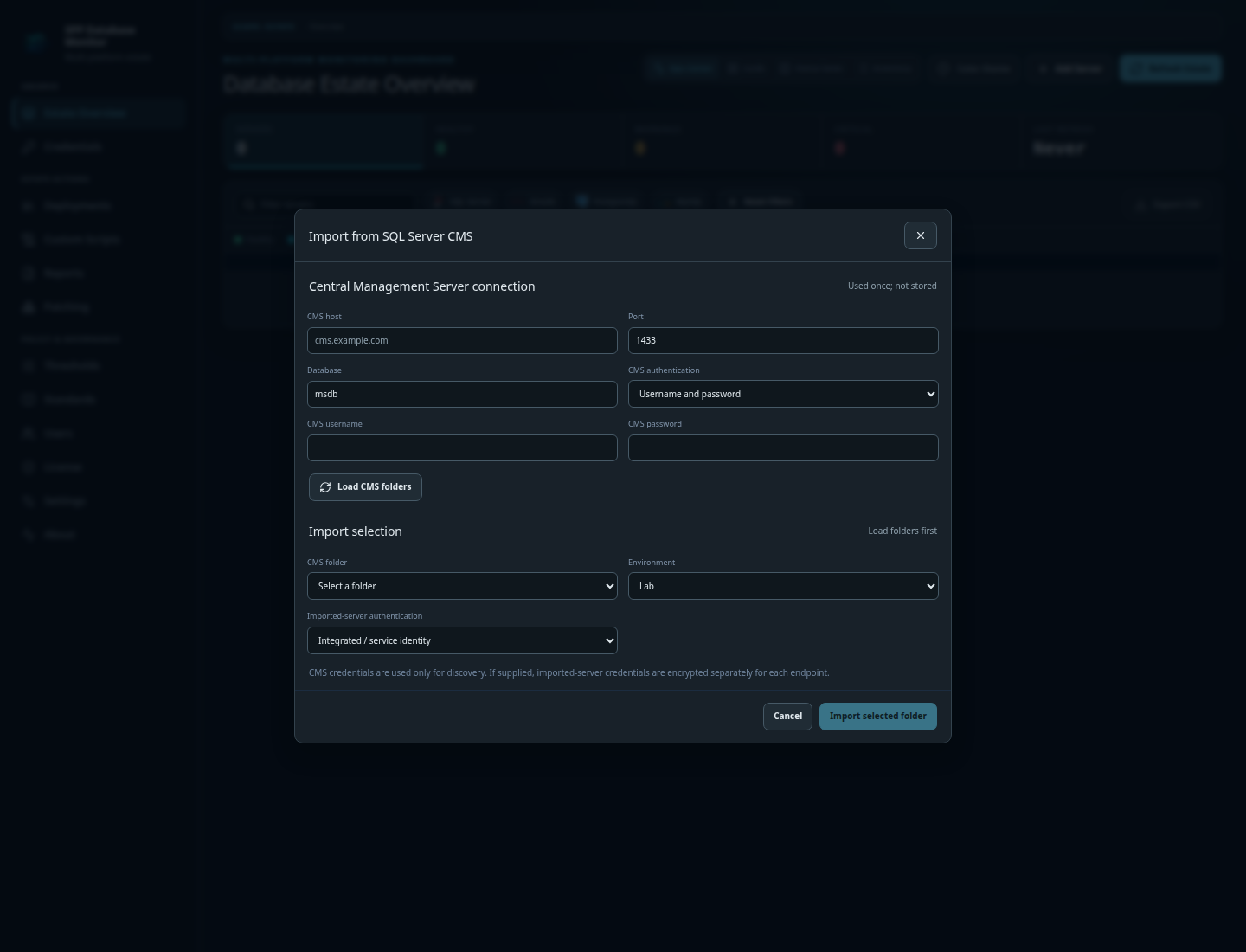
Connect to a SQL Server Central Management Server, choose a registered-server folder, and bring its endpoints into the monitored estate in one operation.
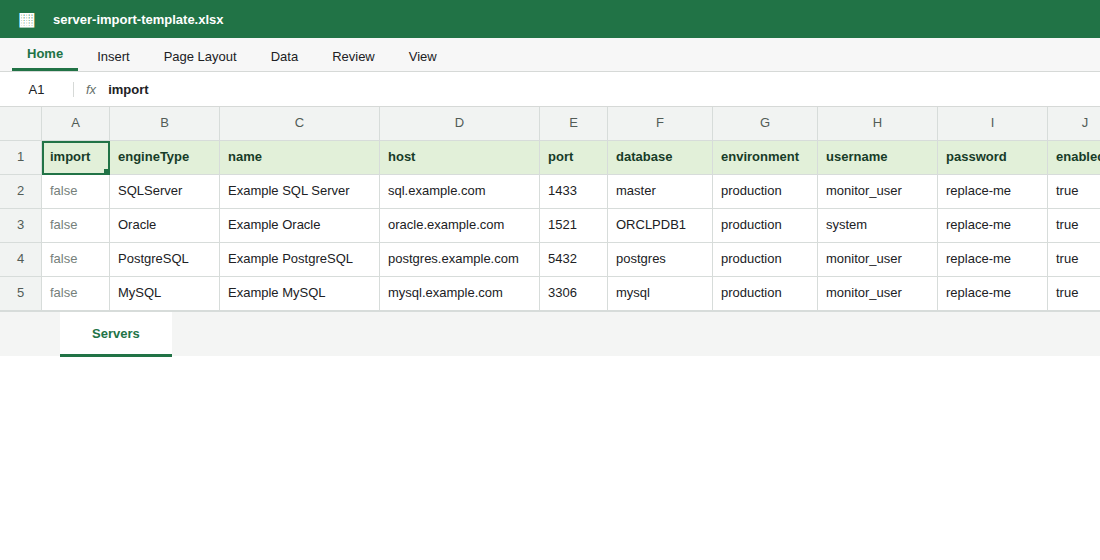
Download the supplied CSV template, complete it in Excel or another spreadsheet application, save it as CSV, and import up to 5,000 mixed-engine endpoints at once.
Install the application using Docker Compose or a self-contained ZIP package. Initialization creates the first administrator, configures the application repository, and establishes the data-protection keys used to protect stored secrets. From there, add targets individually or bring an existing estate in through CSV or SQL Server Central Management Server import.
Enable the complete 30-day Evaluation, continue afterward with two monitored instances in Free Edition, or import a Professional license for the full estate.
Use Docker Compose for a containerized service or the self-contained ZIP for a conventional host. Both keep the application under your control.
Create the administrator with the included SQLite repository and preserve the application data-protection keys with your backups. Professional can move the repository later.
Add SQL Server, PostgreSQL, MySQL, and Oracle targets directly, by CSV, or through SQL Server CMS without renaming your real systems.
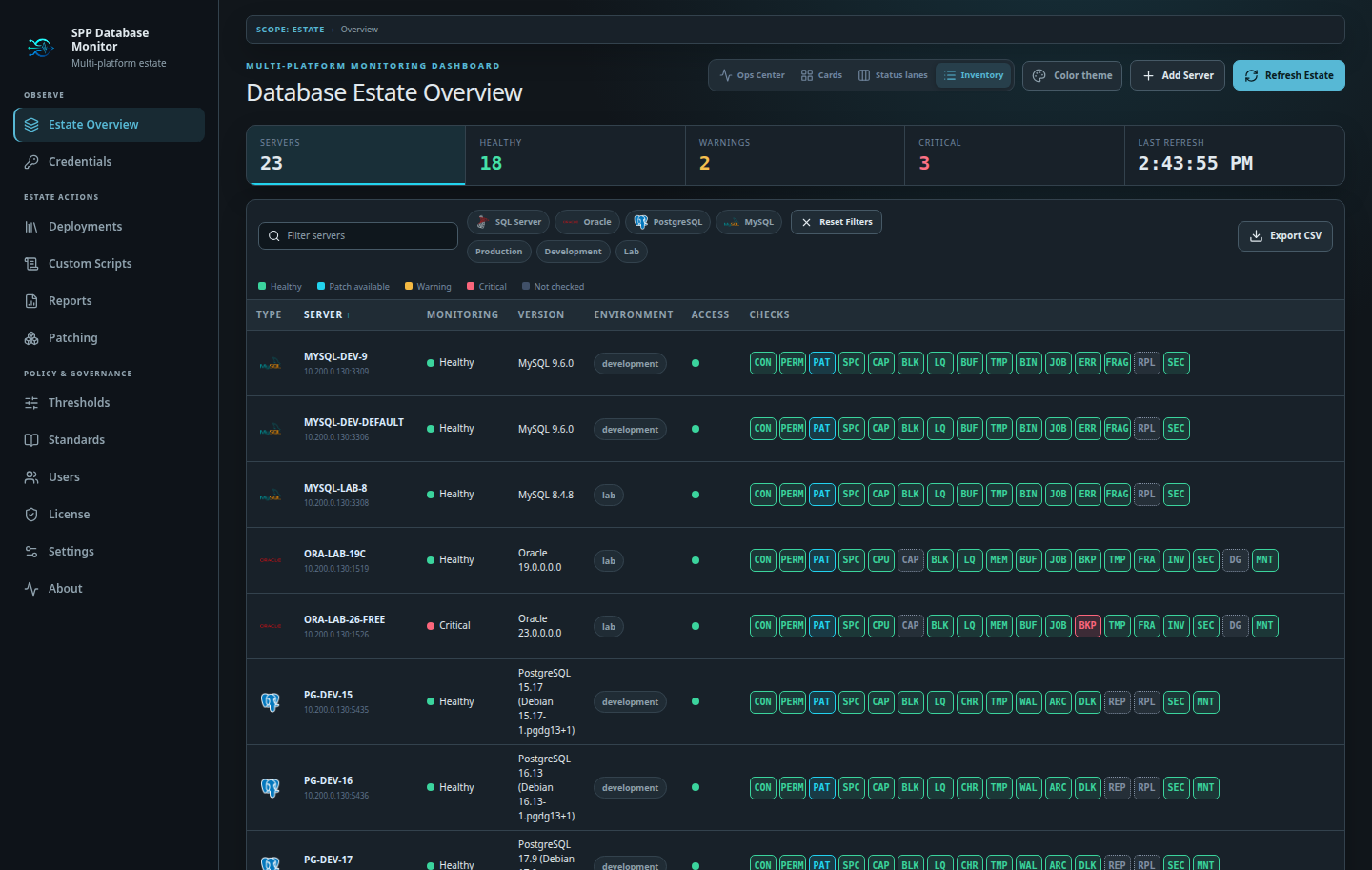
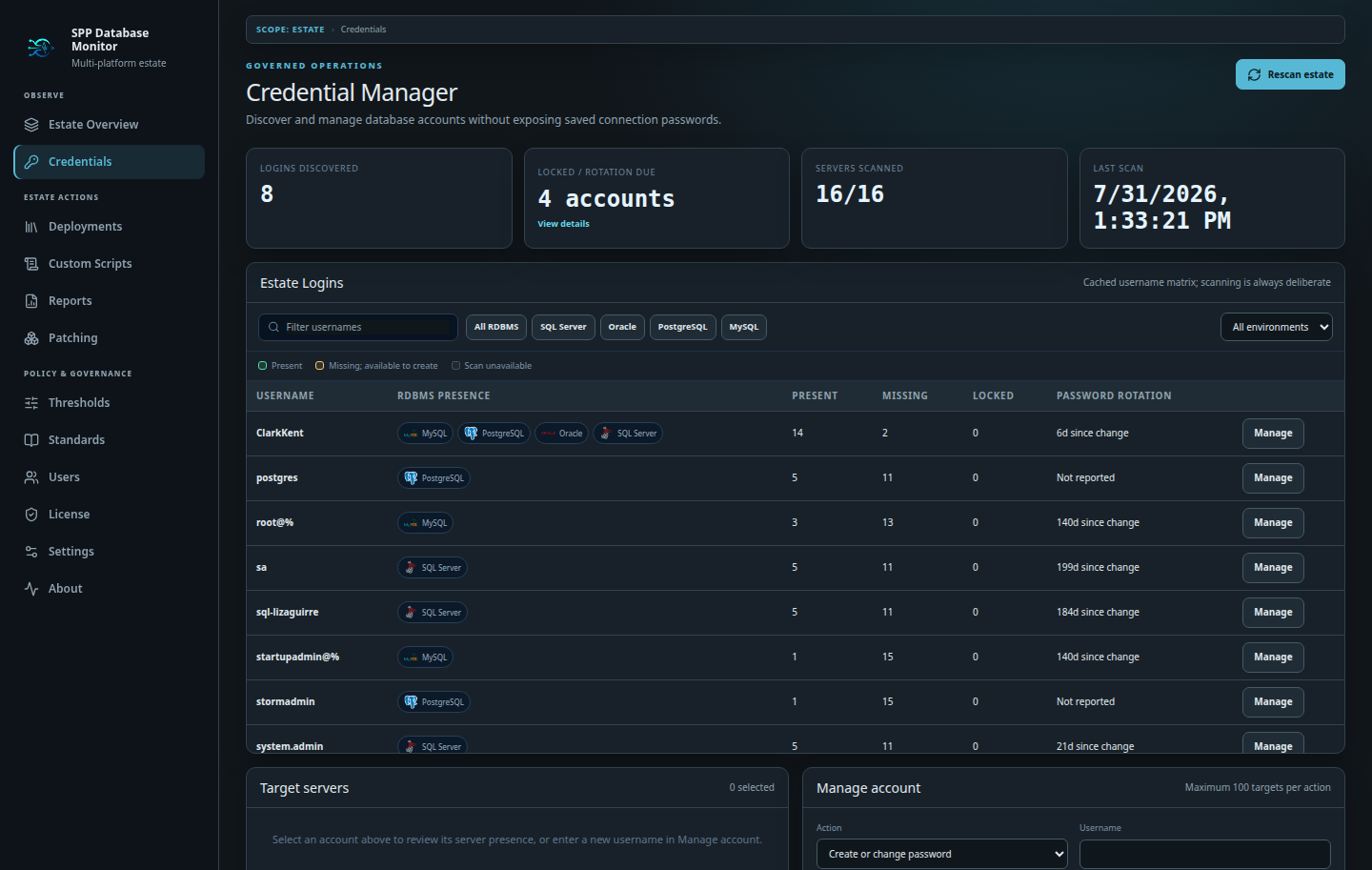
Store database credentials centrally, associate them with the servers that should use them, and see which targets still need attention. Secrets are protected by the deployment’s own data-protection keys, so backup and recovery remain an intentional part of your operating model.
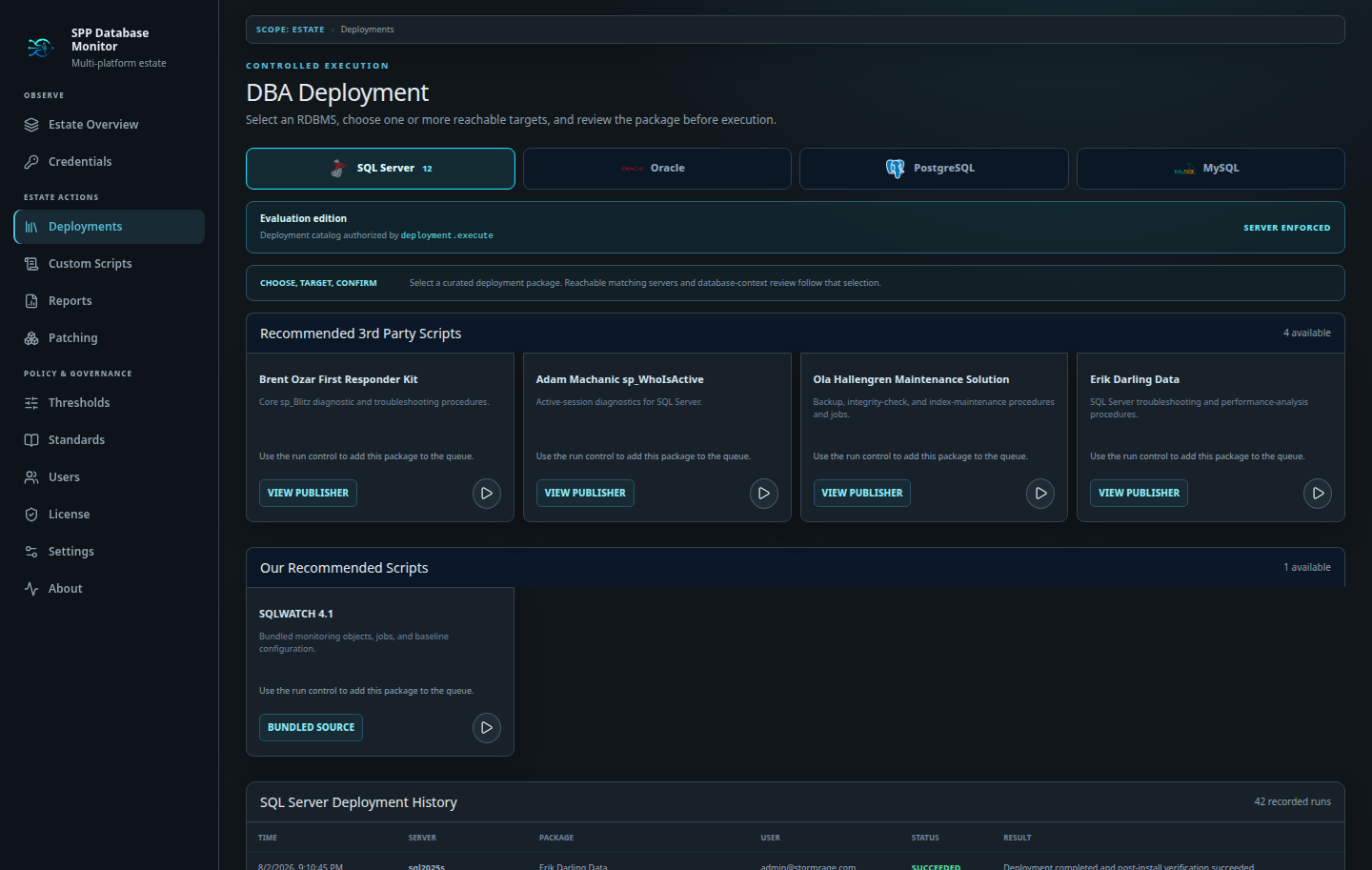
Professional adds repeatable deployment workflows for supported packages and your organization’s private scripts. Select an intentional target set, review connection and eligibility information, execute the work, and retain a history that the rest of the team can inspect.
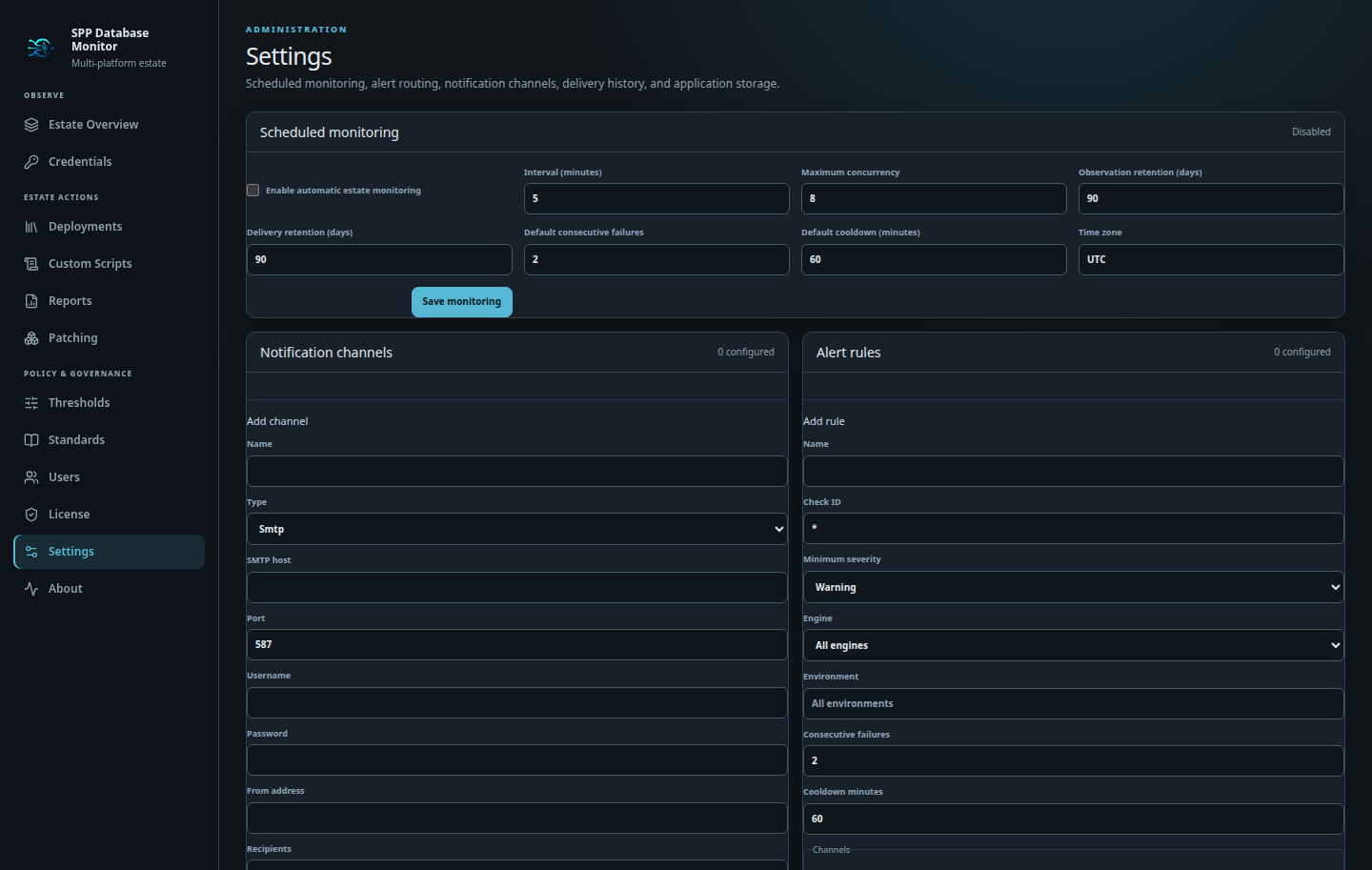
Free Edition provides manual monitoring. Professional adds schedules, alert rules, SMTP, Pushover, and portable application storage. CraptasticApps Database Monitor communicates with only the targets and destinations an administrator configures.
The product is built for organizations that do not want database inventory and operational evidence routed through a vendor-hosted control plane. Installation, licensing, credentials, monitoring history, and deployment results stay with the system you operate.
No usage analytics, advertising trackers, automatic crash uploads, or background inventory uploads. Server names, schemas, metrics, query text, logs, and alert details are not sent to us.
The Evaluation starts locally on first launch. Signed Professional license files are imported within 90 days of issuance and verified against the application's embedded release date. Routine startup and feature checks do not require a licensing-service connection.
The application connects to database targets, identity providers, SMTP, notification services, ticketing systems, or local model endpoints only when an administrator configures them.
Database and notification secrets use application data-protection keys that live with the deployment. Preserve those keys alongside repository backups to support a complete recovery.
Every edition includes SQLite. Professional and Evaluation can place application data in SQL Server, PostgreSQL, MySQL, or Oracle.
An expired Evaluation becomes two-instance Free Edition while preserving the estate and recent history. Professional capabilities continue on the last entitled release if maintenance is not renewed.
Every edition is self-hosted; Professional removes the two-instance Free limit.